Choose direct OpenAI processing
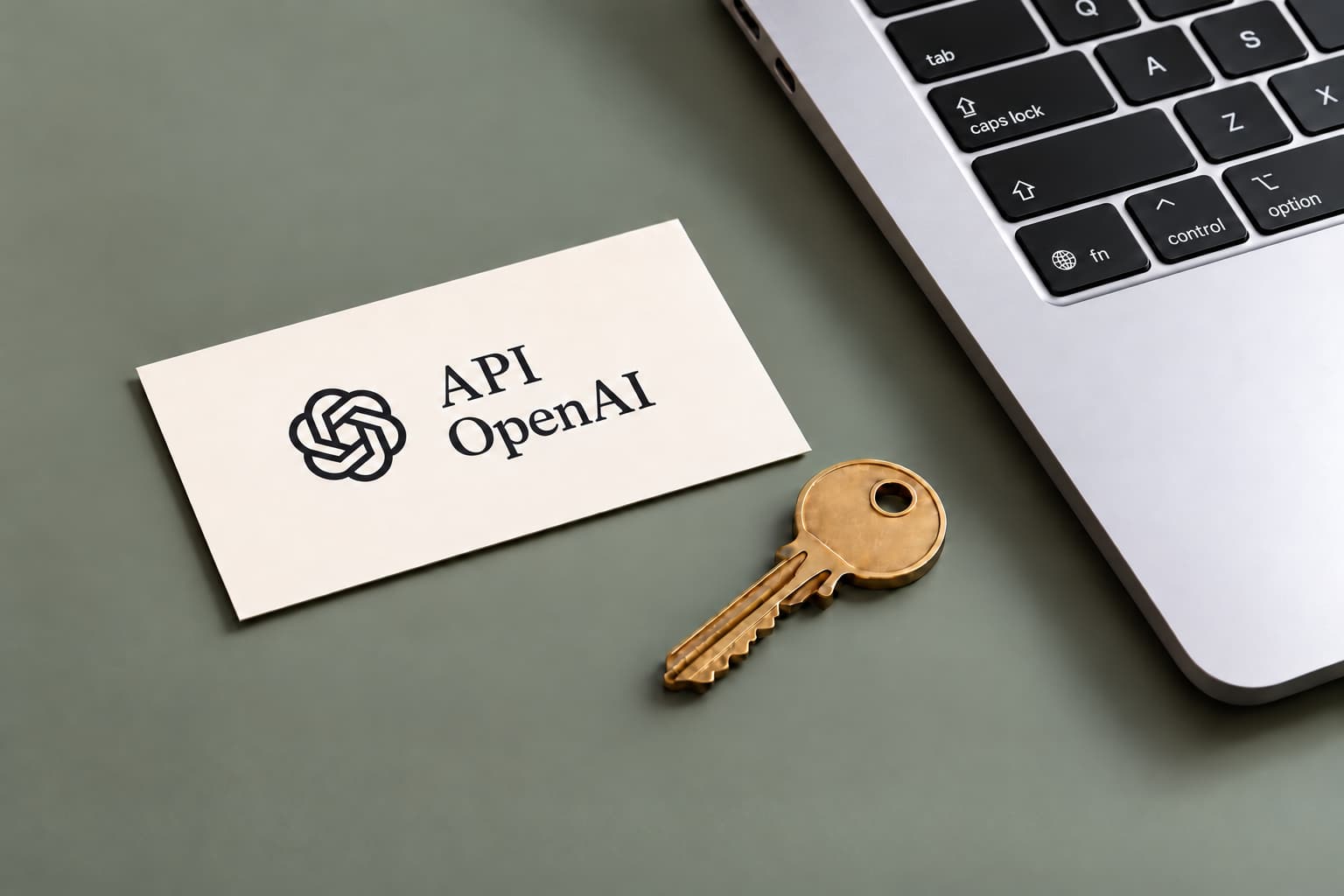
OpenAI KEY is available on every WhisperARC plan, including Free. The desktop app sends audio directly to OpenAI for transcription. You do not need a local Whisper model for that recognition step.
An internet connection and access to the selected API model are required. The interface and local media preparation still run on the PC. If you want recognition to stay on that device, choose Local instead.
Save the key and activate the source
Create a project API key in the OpenAI dashboard. In WhisperARC open Model > OpenAI KEY, paste the key and choose Save API key. Wait for verification to finish.
Select the OpenAI KEY card again to activate it. Choose the two model settings and try a short recording before a long job. The setup guide below includes the steps for changing or removing a saved key.
- Check the project's billing and access settings in OpenAI.
- Save the key in WhisperARC and wait for verification.
- Activate OpenAI KEY and select the models.
- Review a short result and the usage shown by OpenAI.
Select recognition and Assistant models separately
Transcription turns audio into text. The current catalogue includes GPT-4o mini transcribe, GPT Transcribe, GPT-4o transcribe, Whisper-1 and GPT-4o transcribe diarize. GPT-4o mini transcribe is the initial selection.
Assistant works on the transcript when you enable a microphone dictation mode or translation. It is a separate text-model choice. Plain recognition does not require that extra transformation.
Output features vary by model. Speaker labels and detailed timings are not interchangeable across the catalogue. For an interview, check that the selected model returns the information you need.
Check your OpenAI usage
OpenAI bills this API usage separately from WhisperARC Cloud. Rewriting or translation can add text-model usage to the audio request. Check the provider's current prices and your Usage dashboard when planning a long recording or batch.
Verification confirms that the credentials are accepted. It does not establish a positive credit balance or grant access to every model. Review those account settings if the first request fails.
Understand what leaves the PC
The saved key is kept in encrypted local settings. Audio goes to OpenAI for recognition. Text is sent when an Assistant transformation or microphone translation is used. History remains local.
OpenAI states that API data is not used for training by default unless you opt in. Retention depends on the endpoint and account controls. The provider's data guide explains that policy.
Use the error message to choose the next step
WhisperARC reports key, access, rate-limit and credit problems separately. Read that message before repeatedly sending the same recording.
To replace a verified key, remove it with the delete button and save the new key. A processing error does not automatically retry the recording through a different provider.
- Invalid key: check whether it was revoked and replace it if needed.
- Access denied: review project permissions and model access.
- Request limit reached: wait before retrying.
- Insufficient credits: check the OpenAI balance and spending limits.