Four things that separate dictation apps
Most lists rank apps by features. What decides your day is narrower. Check these four points before anything else.
- Where the text goes: typed into any app, or only into the app's own window.
- Where the audio goes: processed on your PC, or sent to an online service.
- What it does with files: some apps only dictate, others also transcribe recordings and export subtitles.
- What it costs per month once the free tier runs out.
Start with what Windows already includes
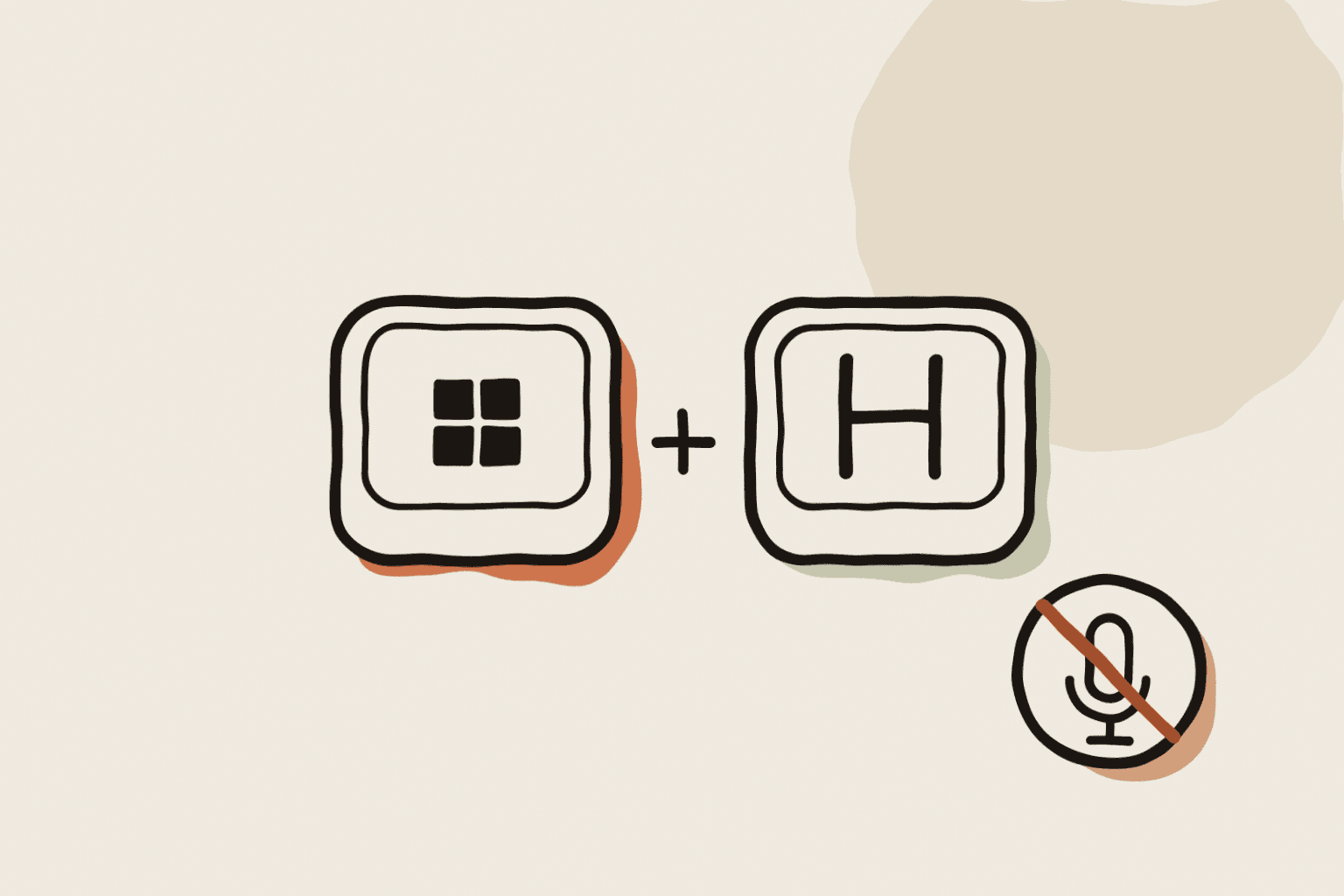
Voice typing opens with Windows key + H in any text field. It is free and uses Microsoft's online speech service, so it needs an internet connection and a supported input language.
Voice access runs on the PC once its language files are downloaded. It is included in Windows 11 version 22H2 and later and supports fewer languages. It is built for controlling the PC by voice, with dictation as one part of it.
Microsoft 365 Dictate adds a microphone button in Word, Outlook and PowerPoint. It needs a Microsoft 365 subscription and an internet connection. A one-time Office licence does not include it.
Dedicated apps, side by side
Wispr Flow is a polished online dictation app with AI cleanup across Windows, Mac and phones. The free plan allows about 2,000 words a week on desktop; Pro removes the limit. It always needs a connection.
Superwhisper launched its Windows app in December 2025. It can run models on your PC and offers custom modes. The Windows version is newer than the Mac app and does not yet match it feature for feature.
Talon is free and built for hands-free computer control and coding by voice. It is powerful but takes time to learn. Buzz is free and open source, and transcribes files, but it shows the text in its own window instead of typing into other apps.
WhisperARC runs Whisper on your PC for free in Local Mode and types into the app you are using. It also records computer audio, transcribes audio and video files and exports TXT, SRT, VTT, JSON or DOCX. A paid plan adds Cloud processing on servers in Europe.
Match the app to how you work
Short replies all day: any app with a reliable shortcut works. Pick the one with the shortest wait after you stop speaking.
Confidential material or unreliable internet: choose processing on the PC. Voice access, Superwhisper and WhisperARC in Local Mode do this.
Interviews, lectures and meetings: you need file transcription and exports, not only dictation. Check subtitle formats and how long files are handled.
Several languages: check that the app recognises your language and, if you need it, translates. Built-in tools support fewer languages than Whisper-based apps.
Run the same test in every app
Dictate the same three messages in each app: a short reply, a paragraph with names and numbers, and a sentence in your second language if you have one. Count the corrections and time the wait.
Then transcribe one real recording if you need files. A free plan that makes you fix every name costs more time than a paid one that gets them right.
Quick answers
Is there free dictation on Windows? Yes. Voice typing and Voice access are built in. WhisperARC is free in Local Mode, and Buzz is free for files.
Which apps work offline? Voice access, Superwhisper with local models, Buzz and WhisperARC in Local Mode. Voice typing, Microsoft 365 Dictate and Wispr Flow need internet.