MacWhisper: no Windows version
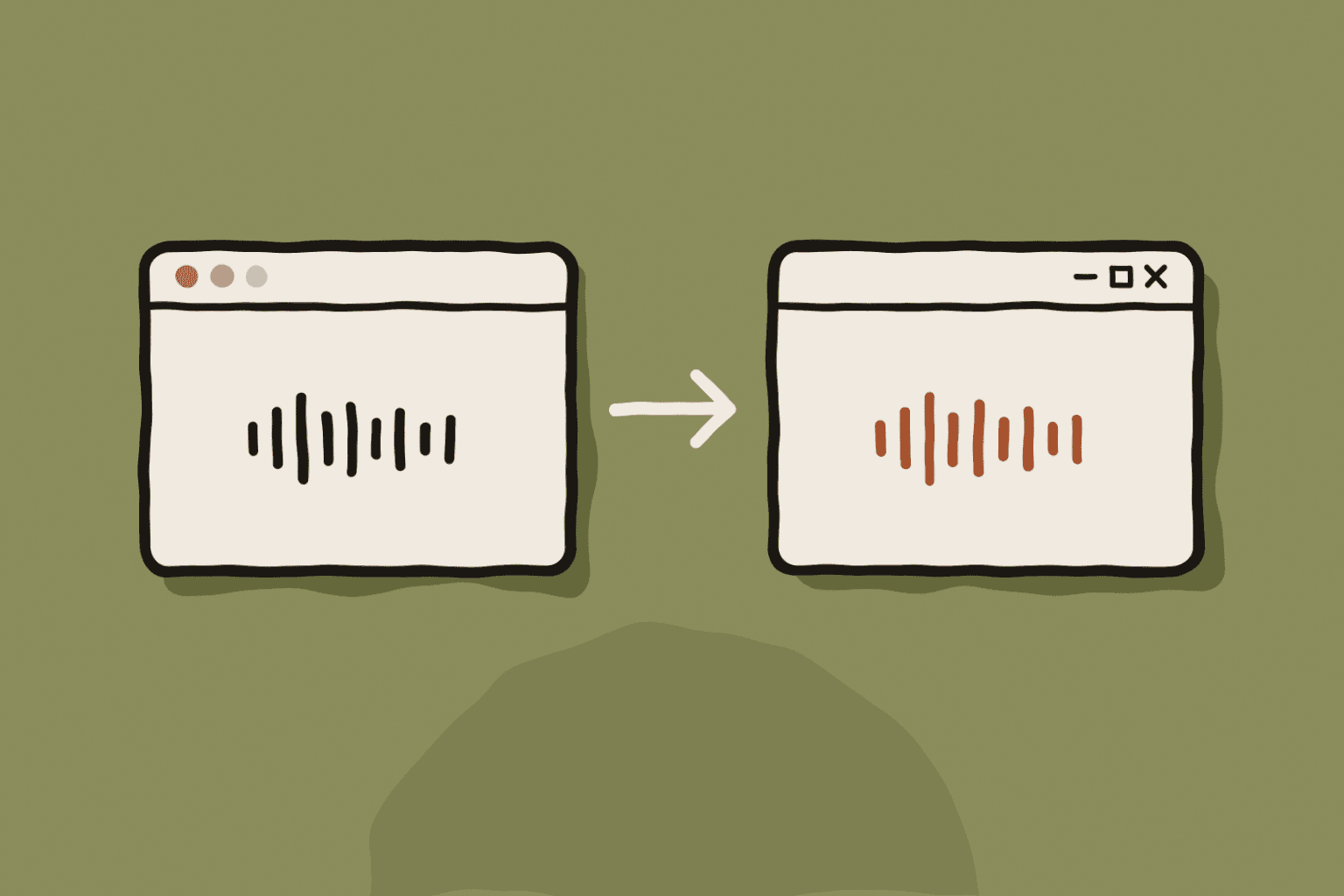
MacWhisper transcribes audio and video files with Whisper on macOS 14 or later, and on iPhone and Vision Pro. There is no Windows build.
What people miss on Windows is local Whisper transcription of files, with exports to subtitles and text. That is what to look for.
Superwhisper: a newer Windows app
Superwhisper launched on Windows in December 2025. One licence covers its platforms, and it offers local models and custom modes.
The Windows version is newer than the Mac app and does not yet have every feature. Check the features you rely on before you switch.
What a Windows replacement should do
Use this list to compare apps on what you actually use.
- Run Whisper models on the PC, with CPU and GPU support.
- Type into any app with a global shortcut.
- Transcribe files and export TXT, SRT, VTT and DOCX.
- Rewrite dictations with custom instructions.
- Keep history and settings on the PC.
WhisperARC covers both jobs
WhisperARC is built for Windows. It dictates into any app, transcribes files in a queue, records computer audio and exports TXT, SRT, VTT, JSON and DOCX. Six Whisper models run on the CPU or a Vulkan GPU.
Modes rewrite dictation for email, messages or AI prompts, and you can create your own. Local Mode, translation and modes on your PC are free; Cloud is the paid option.
Other options
Buzz is free and open source, and transcribes files with Whisper on Windows. It does not type into other apps. Windows voice typing and Voice access are built in, with fewer languages.