1. Check the internet and the cursor
Windows voice typing sends your voice to Microsoft's online speech service. It does not work without an internet connection.
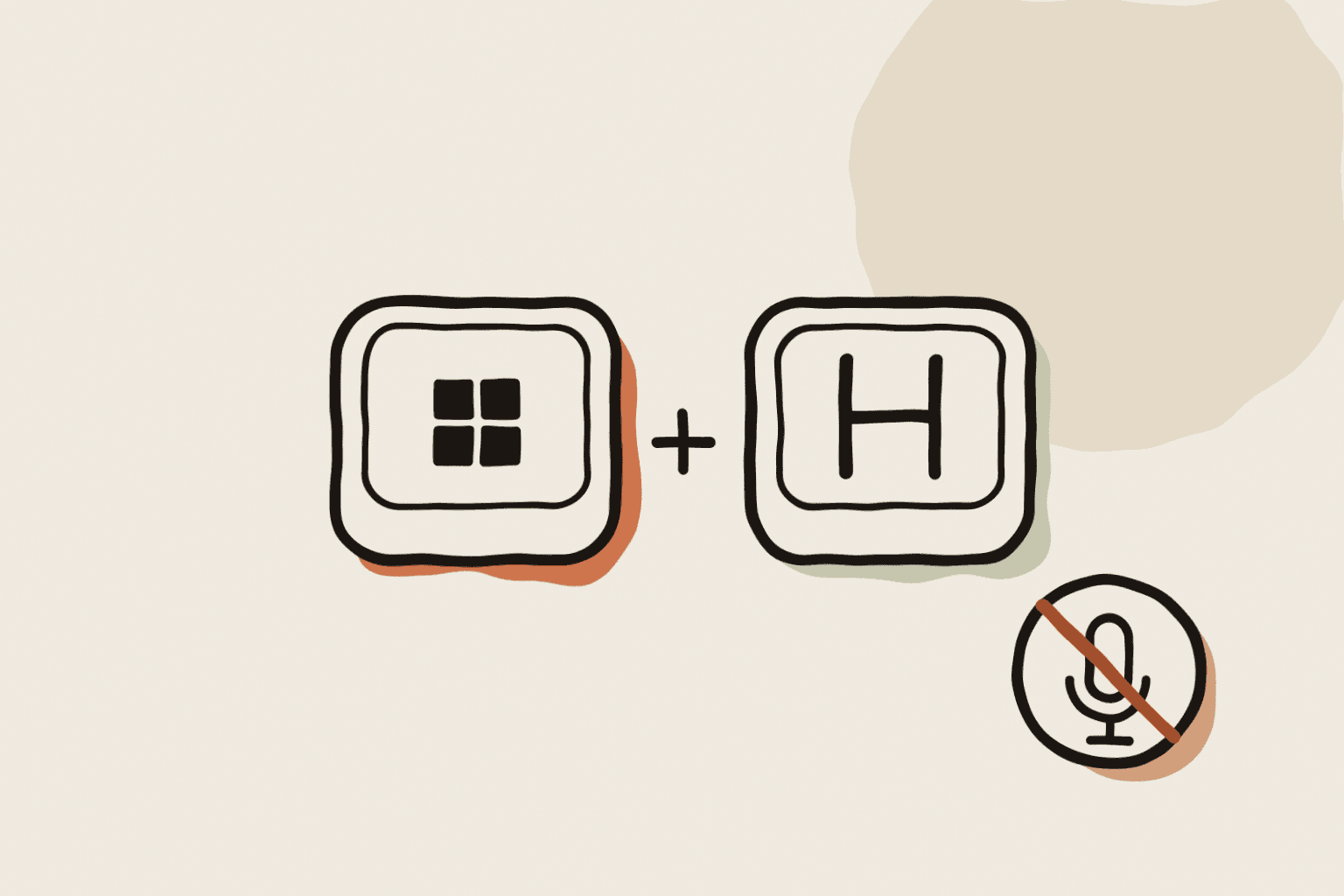
Click inside a text box before you press Windows key + H. Wait for Listening, then speak. Test in Notepad first. If it works there, the problem comes from the other app.
2. Allow microphone access
Open Settings > Privacy & security > Microphone. Turn on Microphone access, then Let desktop apps access your microphone.
If either switch is off, voice typing opens but hears nothing.
3. Choose the right microphone
Open Settings > System > Sound. Under Input, pick the microphone you speak into, talk and watch the volume bar move.
A headset and a webcam often both have a microphone, and Windows may use the wrong one. You can also pick it in the gear menu of the voice typing window.
4. Use a supported language
Voice typing listens in your current input language and supports only some languages. If you see "Voice typing isn't available in the current language", add a supported language in Settings > Time & language > Language & region.
Switch input languages with Windows key + Space before you dictate.
5. Look for an app that takes the shortcut
Some apps grab Windows key + H for themselves. If nothing opens at all, close the apps in the taskbar corner one by one and try again.
In the gear menu, turn on the voice typing launcher. It adds a microphone button next to text boxes, so you do not need the shortcut.
6. Run the audio troubleshooter and update Windows
Open Settings > System > Troubleshoot > Other troubleshooters and run Recording Audio.
Then install pending updates in Windows Update and restart. Microsoft has fixed voice input bugs this way more than once.
7. Switch to offline dictation
If you often work without internet, voice typing will keep failing. Voice access, built into Windows 11 version 22H2 and later, runs on the PC in a smaller set of languages.
WhisperARC runs Whisper on your PC in more than 100 languages and types into any app. It is free in Local Mode, and you can choose your own shortcut.