What Microsoft changed
Microsoft deprecated Windows Speech Recognition in late 2023 and lists Voice access as its replacement. Recent Windows 11 versions no longer include it or its voice training.
Older apps that relied on the Windows speech engine for commands or dictation can stop working after an upgrade. Voice typing and Voice access use separate components and are not affected.
For controlling the PC: Voice access
Voice access opens apps, clicks buttons, scrolls and dictates text by voice. It runs on the PC after it downloads its language files, and works without internet.
It needs Windows 11 version 22H2 or later and supports a limited list of languages. Windows 10 does not have it. There is no voice training: it works without it.
For quick text: voice typing
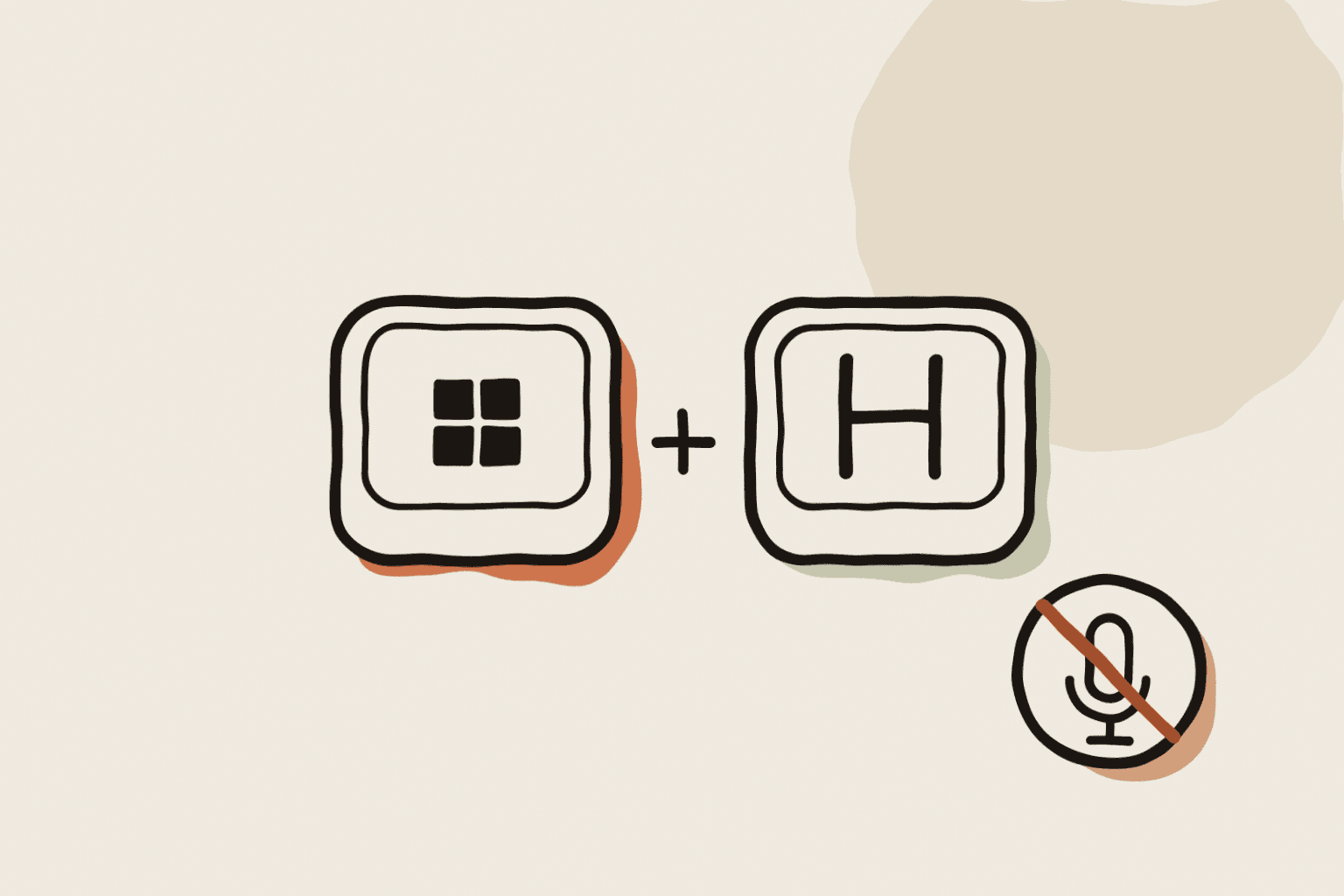
Windows key + H opens voice typing in any text box. It is free and fast to start, but it sends your voice to Microsoft's online service and needs an internet connection.
For writing a lot: a dictation app
If you used the old tool mainly to write, a modern speech model will do better than both built-in options. Whisper recognises more than 100 languages and handles accents and technical vocabulary well.
WhisperARC runs Whisper on your PC and types into any app with one shortcut. It is free in Local Mode, works offline and adds custom spellings for names. It is a dictation tool, not a full voice control system: for clicking and navigating by voice, keep Voice access or use Talon.
Choose in one line
- Hands-free use of the whole PC: Voice access, or Talon for coding and advanced control.
- Occasional short text with internet: voice typing (Windows key + H).
- Long text, many languages or offline work: a Whisper dictation app such as WhisperARC.