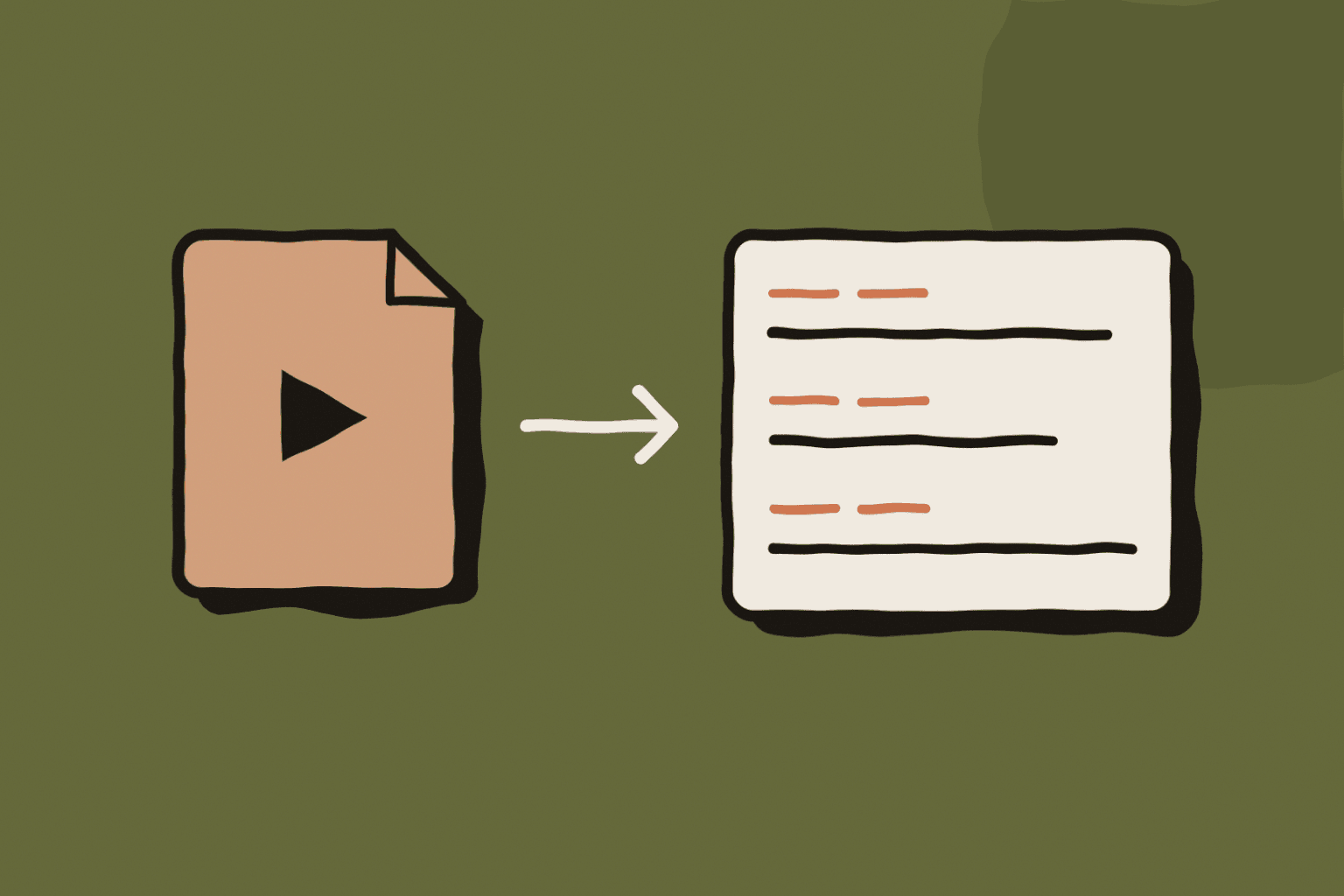
Pick the output before you start
TXT is plain text with no timing. DOCX is a formatted Word document with source details. JSON keeps segments and metadata for other tools.
SRT and VTT are subtitle files. Both pair each line of text with a start and end time. Choose them when the text has to appear on screen in sync with the video.
SRT or VTT
SRT numbers each subtitle and writes milliseconds after a comma: 00:01:12,400. Most video editors and platforms accept it.
VTT starts with the line WEBVTT, uses a dot before the milliseconds and allows positioning. It is the format of HTML5 video players. Renaming one to the other does not convert it.
12 00:01:12,400 --> 00:01:15,000 We moved the launch to Thursday.
Transcribe the file
Open Audio file in WhisperARC and drop in MP4, MP3, M4A, WAV or another supported file. Each file appears as Ready so you can check the order before starting. Start one row or the whole queue.
WhisperARC prepares each file on your PC and splits long recordings into sections that can resume safely. The sections are joined into one transcript with continuous timestamps.
- Keep the source file in place until its job finishes.
- If WhisperARC closes mid-job, retry the row: finished sections are reused.
- Online videos must be downloaded first; there is no URL import.
Local or online processing
Local Mode transcribes on your PC for free, which suits private recordings. Cloud is faster on older PCs and uses the shared monthly credits. Your own OpenAI key bills your OpenAI account.
Files are transcribed in the language spoken, detected automatically. Dictation translation, custom spellings and rewriting modes do not apply to imported files.
Check subtitles before publishing
Play the video with the subtitle file and watch the first minute, one minute in the middle and the end. Fix names, numbers and any line that appears too early or too late.
Subtitles need timestamps. A short live dictation may have no timed segments, in which case WhisperARC does not create an empty SRT file; export TXT instead.